SoX: How to Generate White Noise
Updated
Learn how to generate white noise with SoX and add volume control and smooth fades.
Before we start, make sure you have SoX installed on your computer. On macOS, you can install it with Homebrew:
brew install sox
First, open your terminal and navigate to the folder where you want to save your audio. To create ten seconds of white noise, run this command:
sox -n whitenoise.wav synth 10 whitenoise vol 0.2
The -n flag means there is no input file. The synth effect generates the sound, 10 sets the length in seconds, and whitenoise selects white noise. The vol 0.2 effect reduces the amplitude to twenty percent.
This finishes almost instantly. Don't worry if you don't see a success message. Your whitenoise.wav file should appear in the folder.
To check its duration, run:
soxi -d whitenoise.wav
The -d flag prints just the duration. You should see 00:00:10.00. To hear the first five seconds, run:
play whitenoise.wav trim 0 5
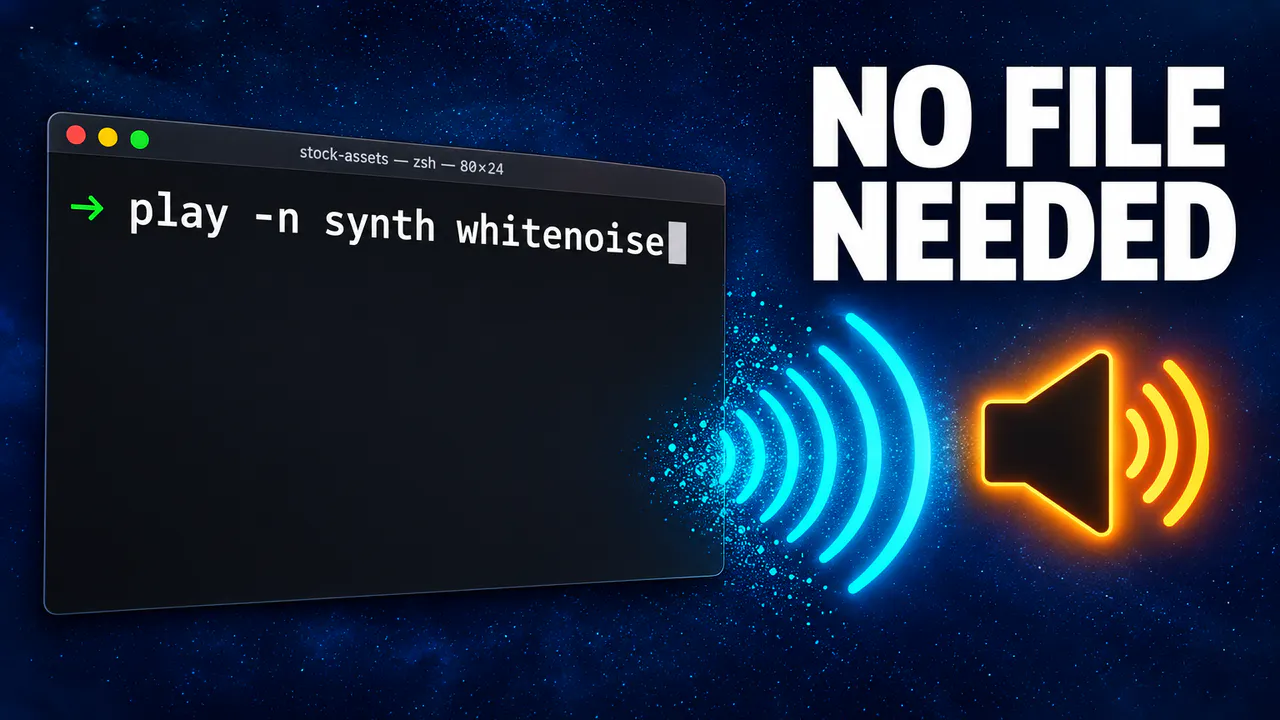
For continuous playback without saving a file, run play -n synth whitenoise vol 0.2. Press control + C to stop.
For a smoother start and finish, add fade 2 10 2 after the volume effect. This adds a two-second fade in and fade out within the ten-second file.