
Hyperfine: How to Benchmark a Python Script
Updated
Learn how to benchmark a Python script using hyperfine
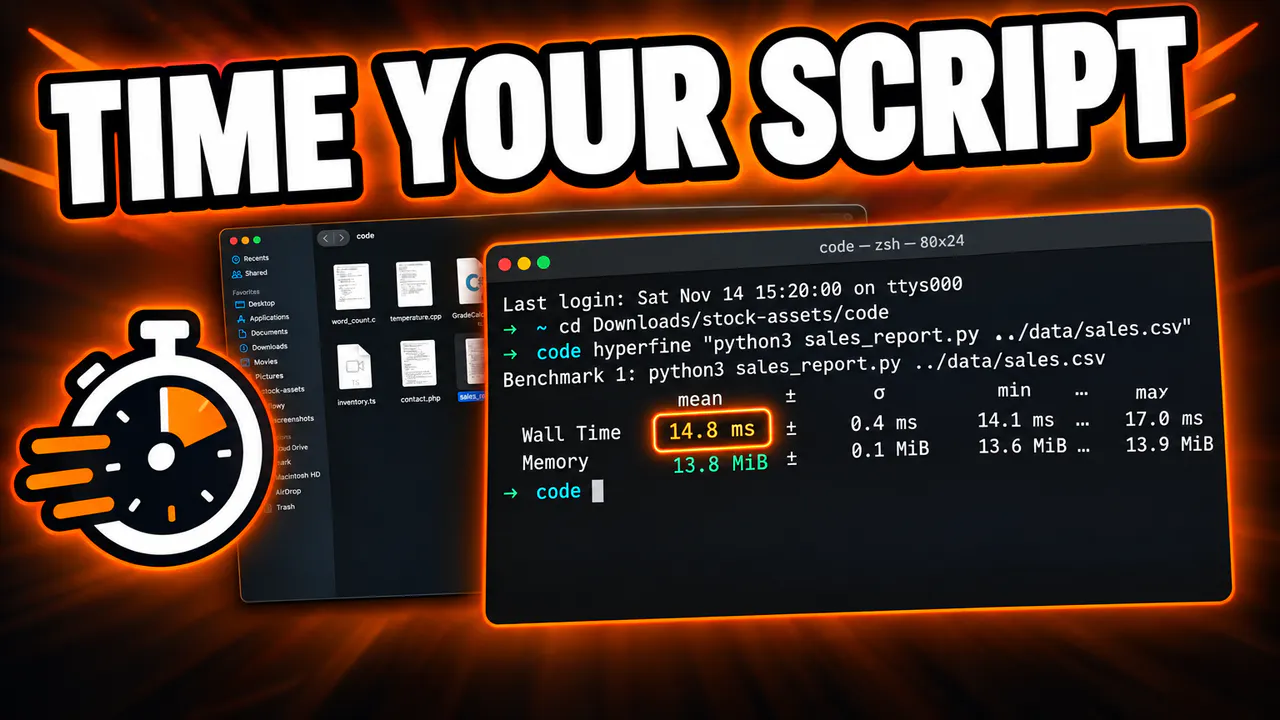
Before we start, make sure you have hyperfine installed on your computer and your Python script ready in a folder. If you don't have it yet, run this command:
brew install hyperfine
First, open your terminal and navigate to the folder that has your script. To benchmark it, run this command:
hyperfine "python3 script.py"
Just remember to replace script.py with your actual filename and keep the whole command inside quotes. Hyperfine runs the script over and over, so give it a few seconds. Then it shows the average time, the spread and the memory use.
For steadier numbers, add the --warmup option. It does a few practice runs first, so the cold start doesn't skew your results:
hyperfine --warmup 3 "python3 script.py"
One more tip: hyperfine times the whole process, so every run includes the time Python takes to start. For tiny functions, use the built in timeit module instead.